

Native where it earns its cost.
Most of the mobile work we ship is cross-platform, and we would rather you read that here than discover it later. It is also the reason this page is worth your time: we spend our days deciding where the shared layer stops paying, which is a more useful thing to buy than a claim of native purity.
Because the real question is never “native or cross-platform” in the abstract. It is which part of this product is paying the cross-platform tax, and what taking just that part native would cost. The answer is almost always one screen, one module or one surface — and often it is nothing at all.
We built and shipped the native iOS and Android builds of a social-media scheduler, live in both public stores. It is published under the client’s own developer account, where it continues to be updated — we do not publish or operate it, and this page does not claim every release since.
The Apple Watch surface of that same product is ours and it is native — a separate target with its own lifecycle, which is precisely the kind of surface a shared framework reaches badly and precisely the boundary this page is about.
Two other mobile products named further down are Flutter, and the page says so on each: the Ministry of Foreign Affairs app for Qatar, and the AI networking app. There are no app-store ratings, download numbers or crash-free percentages anywhere here. None has been cleared.
30 minutes, working session. Tell us which part of the app misbehaves and on what hardware. You leave with a one-page read either way, the answer is frequently “change nothing”, and nobody follows up more than once.
Six times the shared layer stops paying, and what it actually costs
Left of the line is what you are living with. Right of it is the price of crossing — because crossing is never free, and a page that pretends otherwise is selling you a second codebase.
One screen is dragging the whole app down
Everything else is fine. One surface — sustained camera, a heavy list, a real-time visualisation — misses the frame budget on mid-range devices, and somebody in the room has started saying the words “full rewrite”.
One screen, twice: two implementations, two sets of tests and two places a designer’s change lands. That is a real cost and it is a fraction of a rewrite. Rewriting an entire app because one view drops frames is the most expensive available way to solve that problem.
The capability has no maintained bridge
A hardware integration, a platform API or an SDK that ships native only. The plugin you found is abandoned, half-implemented, or wraps a version two majors behind the one you need.
A module you now own on both platforms, over platform channels or JNI, plus the obligation to keep up with each SDK. Owning it is usually still cheaper than depending on a stranger’s repository that stops being updated the week you ship.
The background behaviour is a mystery
It works on iOS and not on Android, or on one manufacturer and not another. The bug report says “it stops overnight”, and nobody has read what either OS actually guarantees about the work you are asking it to do.
Frequently nothing: this one is usually a reading problem rather than a native one. Doze buckets, standby, foreground-service obligations and OEM battery managers are documented, and the fix is often a scheduling change inside the app you already have.
The watch, the widget, the extension
Product wants a surface the shared framework reaches badly or not at all, and every estimate comes back as “that is a separate app” — which is nearly true, and is why it keeps being deferred.
It genuinely is a separate target with its own lifecycle, its own state and its own review. The saving is that it does not need the whole app behind it — it needs a small, well-drawn contract with the data the main app already has.
Two native teams, one product, two behaviours
iOS and Android drifted. The same feature works differently on each, nobody planned it, and QA finds it after release — which is the expensive moment to find it.
This one crosses the other way. The fix is usually to move rules back to a shared layer — validation, pricing, permissions — and leave the platforms only the presentation. We will say so, even though it is the smaller engagement.
The native code has exactly one owner
Written by somebody who has left, in a style nobody else uses, with no tests — and it is the module everything else depends on. Nobody will touch it, so the roadmap quietly routes around it.
A written read first, then tests that pin the current behaviour, then change. The order matters: a rewrite that starts before the behaviour is pinned re-creates the same module with a different single owner.
Move the line and watch what you buy
A schematic app as a stack of six surfaces, ordered by how hard each one pushes towards native. Drag the boundary down and surfaces cross it one at a time. Each position tells you what you gain, what you now maintain twice, and how many codebases you are running. Both ends of the slider say something honest.
ONE RELEASE TRAIN · ONE TEST SUITE
Everything is built once. Two surfaces are underserved at this position — the watch and widget targets the framework reaches badly, and sustained camera work that misses the frame budget on mid-range devices. For most products this is still the right trade, and we will tell you when yours is one of them.
The instrument is schematic, and the ordering is the part worth arguing about on a real product. Your camera screen may be trivial and your background sync may be the thing on fire. Working out the true order for one specific app is the first engagement below, and it takes a week or two.
What each side of the line actually asks of you
Two precise things per platform rather than a wall of vocabulary. If your engineer is reading this, these are the four they will check us on.
Swift concurrency with async/await and actors, structured rather than a completion handler wearing a new coat, and a clear account of what must not run on the main actor. We migrate a codebase deliberately or leave it alone: half-migrated concurrency is worse than either end state, and it is not something to do in passing while fixing a bug.
App extensions, WidgetKit and watchOS are separate targets with their own lifecycles, their own memory limits and their own review. SwiftUI alongside UIKit in one app rather than instead of it, because a full migration is a project and rarely the one you meant to fund.
Kotlin coroutines with structured concurrency, Flow for streams that outlive a screen, and Compose alongside the view system where that is what the codebase is. Cancellation handled properly, because a coroutine that survives its screen is the leak nobody attributes correctly.
WorkManager, doze and app-standby buckets, foreground services and the notification obligation that comes with them. Fragmentation today is mostly OEM battery managers rather than API levels, so the question is not “which Android version” but “which manufacturer, and what do they kill”.
Across the line, whichever side it falls on: deep and universal links, biometric authentication, keychain against keystore, and code signing and provisioning as a recurring tax rather than a one-time setup. A rejection costs about a week no matter how small the cause was, which is why store requirements belong in the plan rather than in the release week.
What is native here, and what is not
The left column says which side of the line each piece of work sits on, because on a page like this that label is the whole claim.
Social media scheduler
Both public stores
A named native product you can check before you finish this sentence
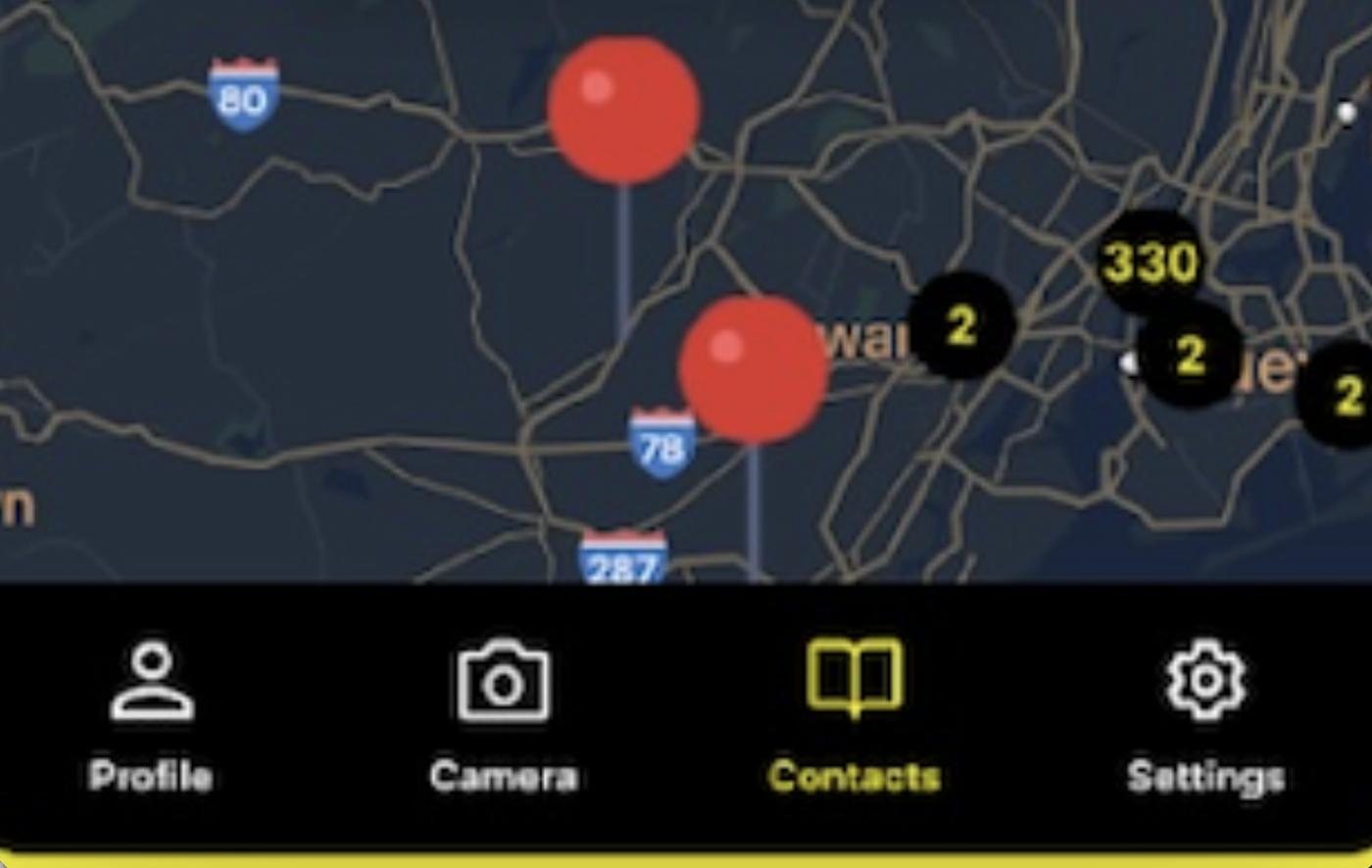
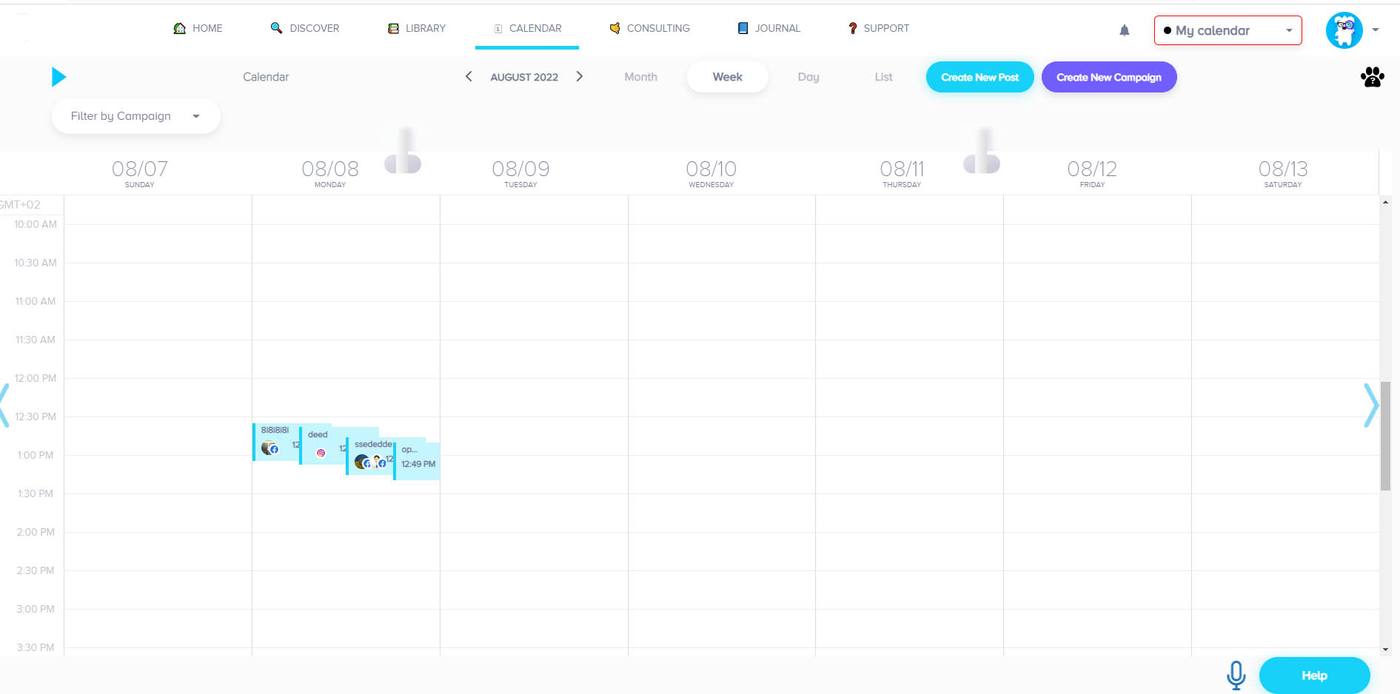
We built and shipped the native iOS and Android builds of a social-media scheduler, live in both public stores. The hard part is what the product does: scheduling and publishing. Background execution, notification delivery and token refresh behave differently on each platform, change with each OS release, and have to keep working through a September the app was never tested against. It is published under the client’s own developer account and is still updated there; we do not publish or operate it, and we are not claiming every release. Read the case →
Apple Watch surface
Its own target
The surface a shared framework reaches worst
The Watch surface of the same product is ours and native. A watch app is not a small phone screen: it is a separate target with its own lifecycle, its own memory ceiling, its own complications and its own review, and the useful design question is what tiny contract it needs from the phone rather than how much of the app to squeeze onto it. This is the clearest example on the page of a surface where crossing the line is the right call rather than an indulgence. Read the case →
One set of rules
Mass adoption
Where the boundary question came from
The platform was architected and led from zero to mass adoption across web, native mobile, AR, Alexa and Apple Watch — one architecture, many surfaces. The hard part is surface sprawl: five interaction models that must not fork the business rules underneath them. Every argument on this page about deciding the shared/native line deliberately rather than discovering it comes from having had to hold five of them at once. Read the case →
Qatar MoFA
Both public stores
Cross-platform, and it belongs here for a different reason
The official app of the Ministry of Foreign Affairs of Qatar, shipped on iOS and Android, in English and Arabic with full right-to-left layout. This build is Flutter, and saying so is the point: it is here as evidence of passing store review and a government body’s own review, not as native work. If we let it sit in this section unlabelled, everything else on the page would be worth less. Qatar MoFA case →
AI networking app
Offline & on-device
The conditions that push work down to the native layer
Face-recognition capture, offline mode and CRM export, in an app that has to behave in a real room on whatever phone the user brought. Also Flutter. It is on this page because its two hardest conditions — device variability and the network being gone — are the ones that most often decide that a particular module belongs on the native side, whatever the rest of the app is written in. AI networking app case →
Read the left column again and you have the honest shape of this page: one native product with a second native surface, and a great deal of cross-platform work around it. We are not going to pluralise that into a native portfolio, because you would find out.
Bring the screen that misbehaves and the device it misbehaves on. Those two answer most of a Data Flow Audit on this subject.

Mobile arguments get settled in the same room
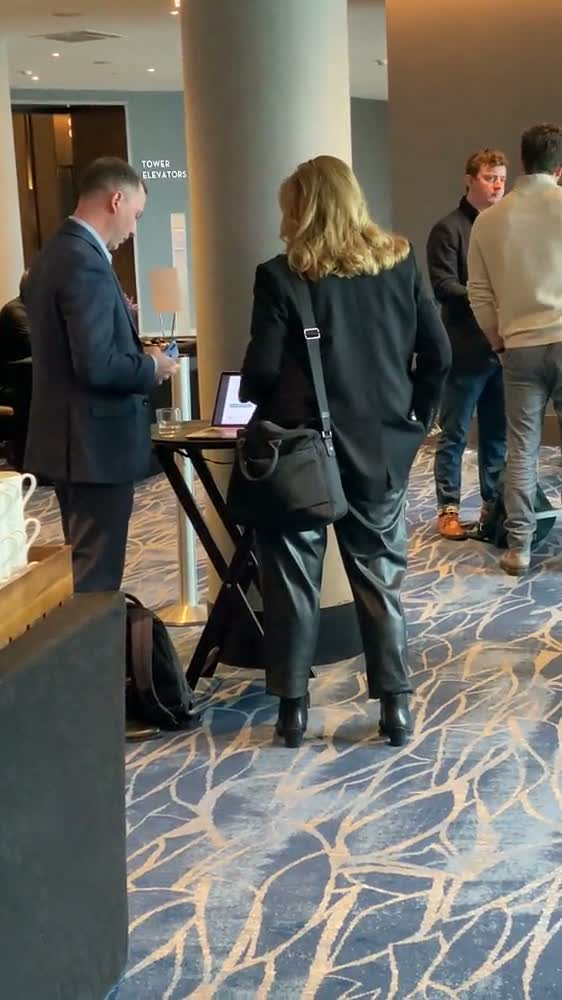
The boundary conversation goes badly over a ticket and well across a table, because it is half technical and half about what the team can carry for three years. We go where the product is, sit with the people who will maintain it, and write the line down while everyone is still in the room. About Fluvius →
Working inside a native team that already exists
Most of this work happens in somebody else’s repository, next to engineers who will still be there long after we are not. That shapes how we behave more than any technical preference does.
Your architecture, your naming, your review path. We do not arrive and introduce a pattern your team has not agreed to, and we do not start an architectural argument in a pull request. If we think a convention is costing you, that is a conversation with the lead, not a unilateral commit.
Apps, certificates, provisioning profiles and store listings belong in your developer accounts from day one, and we prefer it that way. It is also the arrangement that makes the end of an engagement uneventful, which is the point.
Tests around the behaviour that has to stay identical, documentation written for whoever inherits the module, and a native engineer on your side who can change it on a Thursday without calling us. If we are the only ones who can maintain what we wrote, the job was done badly.
You talk to the engineers doing the work — no account-manager layer — and a senior architect signs off every project. On a two-platform engagement that matters more than usual, because most drift between iOS and Android starts as a small decision nobody wrote down.
The work, as we actually sell it
Timelines are indicative ranges and depend on scope. Several of these are deliberately narrow — that is the argument of the page rather than a gap in it.
The boundary read
1–2 WEEKSWhich parts of your app are paying the cross-platform tax, on which devices, and what taking each one native would cost in build and in maintenance. Frequently the recommendation is to change nothing. You keep the document either way, and this is the engagement we would rather you bought first.
One screen taken native
4–10 WEEKSThe surface with a sustained hardware or performance requirement, rebuilt native and embedded in the app you already have — so it ships as a change rather than as a rewrite, and the rest of the product carries on being one codebase.
Native modules behind your app
3–8 WEEKSWritten and maintained by us over platform channels or JNI, with a typed contract at the boundary, rather than depending on a repository that a stranger stopped updating. You get the module and the tests that pin what it does.
Background and lifecycle work
3–8 WEEKSMaking background behaviour do the same thing on both platforms, within what each OS actually guarantees rather than what the documentation implies — including the manufacturers that quietly do something else.
Watch, widget and extension surfaces
4–10 WEEKSThe targets a shared framework reaches badly, built against their own lifecycles with a small contract back to the main app. We have shipped a native Watch surface on a product that also had four others.
Taking over native code with one owner
4–10 WEEKSA written read first, then tests around the current behaviour, then change — in that order, so the module ends up owned by your team rather than by a different single person.
The honest alternative
SAME CALLIf the answer is that your product should stay cross-platform — or become it — we say so and point you at Flutter & React Native rather than sell you two codebases. That page is where most readers of this one should end up.
A second pair of eyes before you commit
1 WEEKYou have already decided to go native and want somebody to try to talk you out of it, in writing, with the counter-argument spelled out. Cheap, fast, and occasionally it saves a year.
What you are probably thinking
The record behind the pages
Many of our clients have been with us for 7+ years straight. The Upwork and Clutch records are independently verifiable.
Looking for this as an engagement rather than a stack? Mobile App Development sells the team and the outcome. If your product is better served by one codebase, the honest neighbour is Flutter & React Native. See also all our work.
Not ready to talk? Take the checklist.
One page: 12 questions to answer before you rewrite an app natively. Which surface actually misses the frame budget, and on which devices. Whether the capability you need has a maintained bridge or an abandoned one. What each OS genuinely guarantees about your background work. Who owns the native modules you already have. What two codebases cost per year in review, release and drift. And which single screen would fix eighty per cent of the complaint.
Tell us which part of the app is misbehaving, and on what.
A free 30-minute working session, not a sales call and not a demo — there is nothing to demonstrate. Bring the screen people complain about, the devices it happens on, and the capability you cannot reach from where you are.
You keep a one-page read either way: the specific surface we would take native if any, roughly what it would cost to build and to keep, and the cheaper thing we would try first. The answer is frequently “change nothing”, and nobody follows up more than once.